Minecraft gives you a world made of blocks and leaves the rest to you. Some players spend weeks on a single castle. Others dig straight down looking for diamonds, or wire up redstone machines that sort their loot automatically. On Android, all of this fits in your pocket and runs on the same Bedrock engine used on consoles and Windows.
This page covers what the Android version includes, how each game mode plays, the controls and commands worth learning first, and the exact steps to install the APK on your phone. If something goes wrong during setup, the troubleshooting table further down lists the common errors and their fixes.
Screenshots
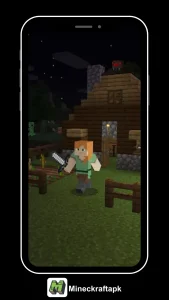
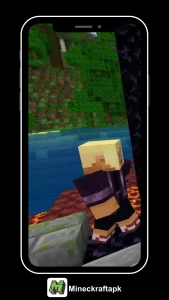
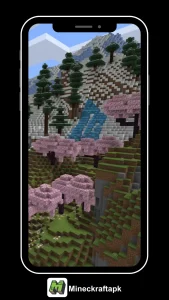
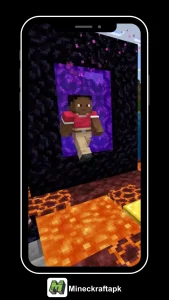
About Minecraft APK
Minecraft is a sandbox game from Mojang Studios, first released in full in November 2011 and owned by Microsoft since 2014. The Android build is the Bedrock Edition, a C++ version of the game designed for phones, tablets, consoles and Windows. Worlds are generated from a seed, so every new map has different terrain, caves, villages and ocean layouts.
The APK is the installer file Android uses. Downloading it directly is handy when the Play Store is unavailable on your device, when you want to keep a specific version, or when you are setting up a phone that has no Google services. You still sign in with a Microsoft account for online features.
Bedrock vs Java: Which One Runs on Android?
New players often search for the Java Edition on their phone and end up confused. Here is how the two versions split:
Bedrock Edition
- Runs on Android, iOS, Windows, Xbox, PlayStation and Switch
- Cross-play between all of those devices
- Marketplace for skins, maps and packs
- Add-ons built with behavior and resource packs
- Smoother on low-end hardware
Java Edition
- Runs on Windows, macOS and Linux only
- No official Android build
- Huge community mod scene (Fabric, Forge)
- Slightly different redstone and combat behavior
- Separate server ecosystem from Bedrock
If you want the full comparison, read our Java Edition guide and Pocket Edition guide.
Minecraft APK Highlights
A quick look at what you get once the game is installed:
Endless Worlds
Each seed builds a new map with mountains, caves, oceans and villages that stretch far beyond what you can explore in one sitting.
Building Tools
Hundreds of block types, from wood and stone to copper that oxidizes over time, give builders plenty of materials to mix.
Play Together
Join friends over local Wi-Fi, a Realm or a public server. Bedrock cross-play means their device does not matter.
Frequent Updates
Mojang ships content drops through the year, adding mobs, blocks and biomes that change how older worlds play.
Biomes and World Generation
Deserts, snowy slopes, mangrove swamps, lush caves and cherry groves each have their own blocks, weather and mobs. Where you spawn shapes your early game. A plains start gives you easy farmland, while a jungle start hides melons and cocoa but makes travel slow.
Mobs, Villagers and Bosses
Passive animals give food and wool. Hostile mobs like zombies, skeletons and creepers spawn in the dark. Villagers trade emeralds for tools, books and maps, and their trades improve as they level up. Later, the Ender Dragon and the Wither act as the game's main boss fights.
Redstone Engineering
Redstone dust carries a signal, a bit like wiring. With it you can build automatic doors, hidden staircases, crop farms and item sorters. It takes some trial and error, and the Bedrock version handles certain timings differently from Java, so tutorials made for PC do not always work unchanged.
Cross-Play With Other Devices
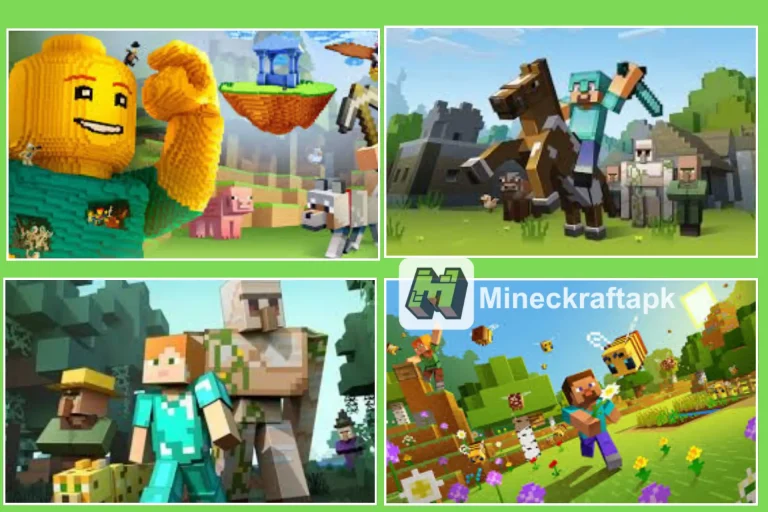
Sign in with a free Microsoft account and your friends list works across Android, iPhone, Windows, Xbox, PlayStation and Switch. Everyone must be on the same game version to join the same world.
Add-Ons and Resource Packs
Bedrock supports add-ons that change mob behavior, add new items or swap textures. You import them by opening an .mcpack or .mcaddon file, then enabling the pack in the world settings. Browse our add-ons list and texture packs for ideas.
Touch, Controller and Keyboard Support
The default layout uses an on-screen joystick and buttons, and you can switch to split controls or resize buttons in Settings. Bluetooth controllers and keyboards are detected automatically, which makes long building sessions on a tablet much easier.
Game Modes Explained
You pick a mode when you create a world, and in most cases you can switch later from the world settings or with a command. Each one suits a different kind of player.
Survival
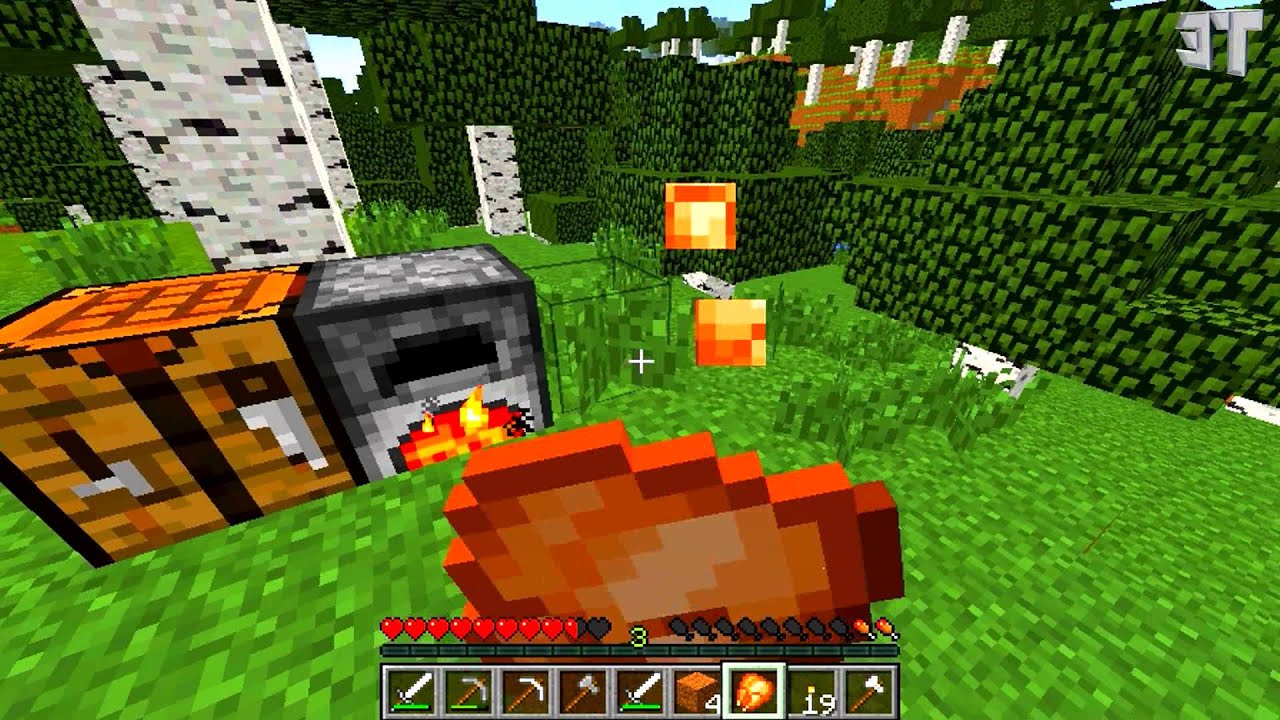
This is the standard way to play. You collect everything by hand, manage a hunger bar, and deal with mobs that come out at night. Progress follows a rough path: wood tools, stone, iron, then diamond and netherite gear.
To start a Survival world:
- Tap Play, then Create New, then Create New World.
- Set Default Game Mode to Survival.
- Pick a difficulty. Peaceful removes hostile mobs, Hard makes hunger drain faster.
- Tap Create.
Creative
Creative mode gives you every block in the inventory, lets you fly, and turns off damage. It is where most large builds, pixel art and redstone tests happen, since you can place and remove blocks instantly.
To switch an existing world to Creative:
- Open the world list and tap the pencil icon next to your world.
- Change Default Game Mode to Creative.
- Or turn on cheats and type
/gamemode creativein chat. - Note that enabling cheats disables achievements for that world.
Adventure
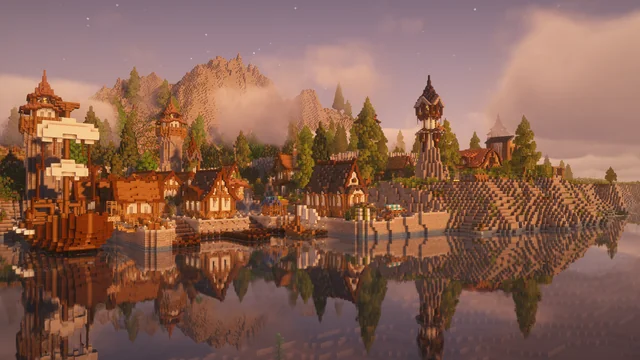
Adventure mode stops players from breaking or placing blocks unless a tool or block is specifically tagged to allow it. Map makers use it for parkour courses, escape rooms and story maps, so visitors follow the path the creator intended.
- Set it with
/gamemode adventure. - Most downloaded adventure maps switch you automatically.
Hardcore
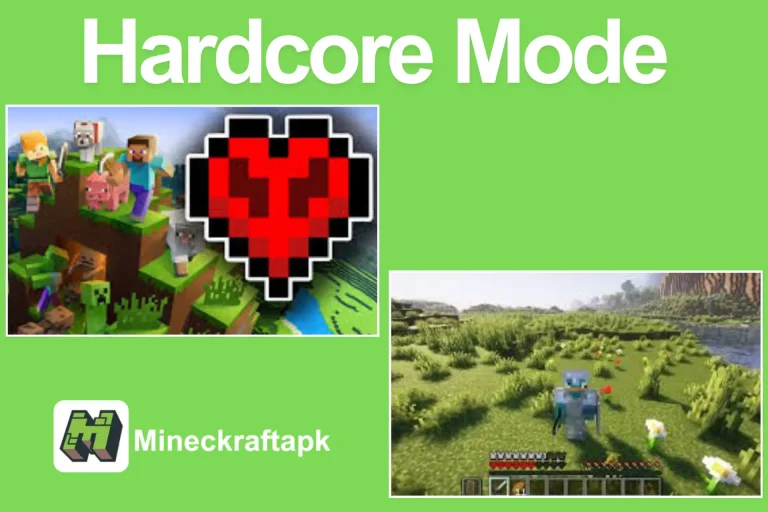
Hardcore is Survival with one life. Difficulty stays locked on Hard, and dying ends the world for good. Players who enjoy tension pick this mode because every cave trip and every creeper hiss carries real risk.
- Choose Hardcore when creating the world. It cannot be turned on for an existing one.
- Back up the world file if you want a safety copy.
Surviving Your First Night
The first ten minutes decide whether a new Survival world goes well. A simple order that works for most spawns:
- Punch a tree for at least 12 logs
- Craft planks, sticks and a crafting table
- Make a wooden pickaxe, then mine stone
- Upgrade to stone sword, axe and pickaxe
- Kill two or three sheep for wool and a bed
- Collect coal from exposed cliff faces
- Craft torches before the sun sets
- Dig into a hillside and seal the entrance
- Sleep in the bed to skip the night
- Build a furnace and cook any raw meat
Realms and Online Play
Realms is Mojang's paid hosting service. Your world stays online even when you are offline, so friends can log in whenever they like. Realms Plus adds a rotating catalog of Marketplace content on top of the server itself. If you would rather not pay, you can still play online in these ways:
- Local multiplayer on the same Wi-Fi network
- Joining a friend's world through your Microsoft friends list
- Featured servers listed in the Servers tab
- Third-party Bedrock servers added by IP address
Marketplace and Minecoins
The Marketplace is the in-game store for skin packs, adventure maps, texture packs and mash-up packs made by approved creators. Items are paid for with Minecoins, a currency bought in bundles. Bundle prices vary by country, so check the in-game store for the rate in your region. Coins bought on one Bedrock device carry across to others when you sign in with the same Microsoft account.
How to Install Minecraft APK on Android
The whole process takes a few minutes on a normal connection. Follow these steps in order:
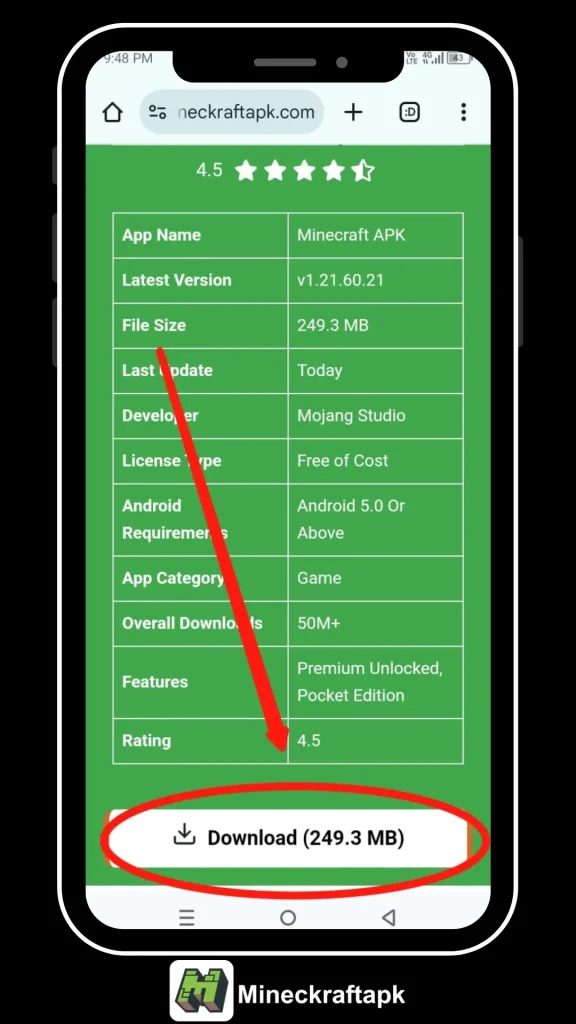
Download Minecraft APK (860 MB)Step 1: Tap the download button and wait for the file to finish. Check your notification bar to confirm it reached 100%.
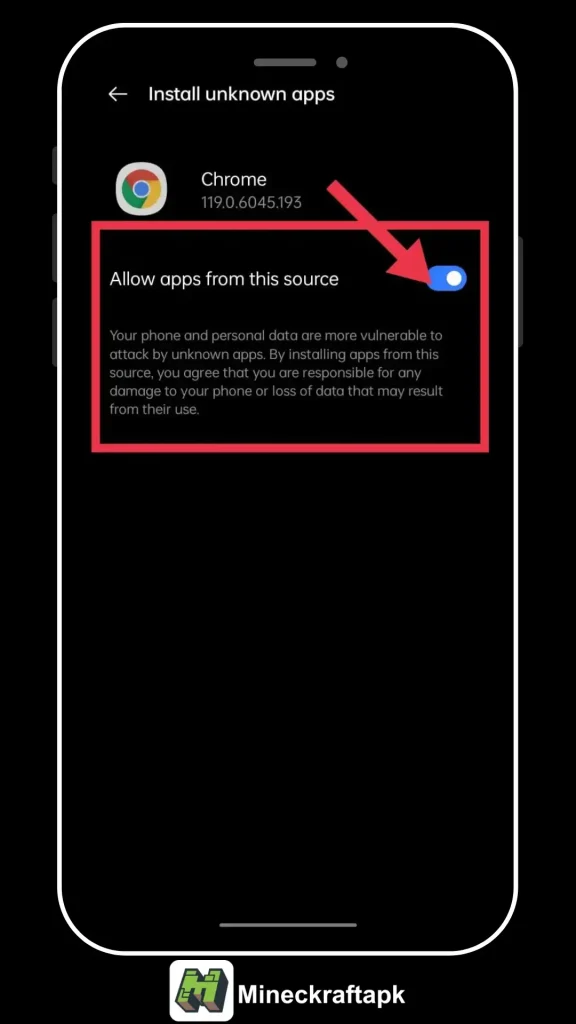
Step 2: Open Settings, go to Apps, then Special app access, then Install unknown apps. Pick your browser or file manager and turn on Allow from this source.
Step 3: Open the Downloads folder, tap the Minecraft APK file and press Install.
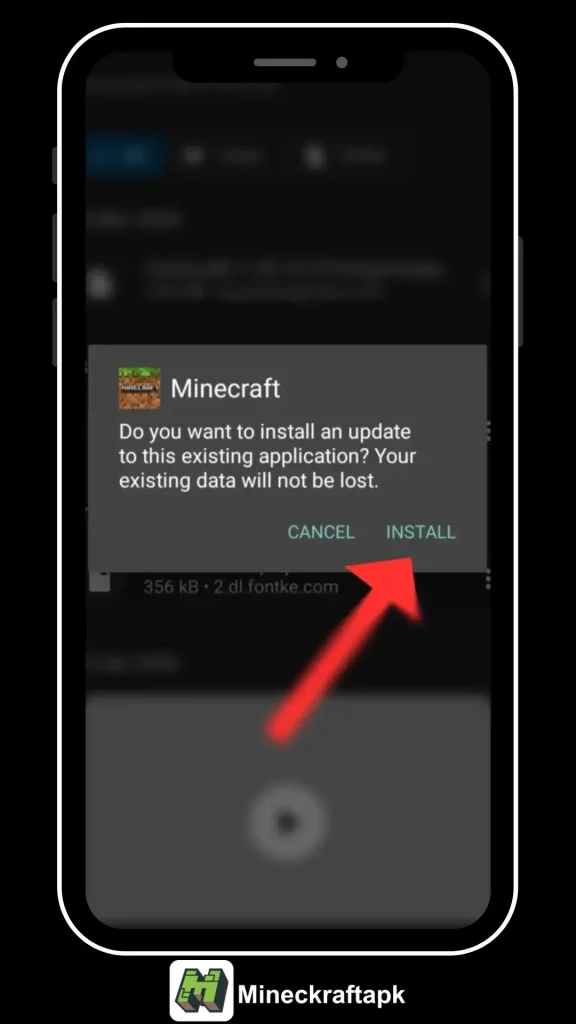
Step 4: Launch the game, sign in with your Microsoft account and create your first world. You can switch the unknown-apps permission off again once setup is done.
How to Update Without Losing Worlds
Install the new APK directly over the old one. Android replaces the app and leaves your saves in place. Only uninstall first if the installer refuses to continue, and in that case export your worlds before removing anything:
- Tap the pencil icon next to a world and scroll to Export World.
- Save the .mcworld file to your Downloads folder or cloud storage.
- After reinstalling, open the .mcworld file to import it back.
Players who need an older build for a specific server can find it on our old versions page.
Controls Cheat Sheet
Bedrock picks up whichever input you connect. The table below lists the main actions on each:
| Action | Touch | Keyboard & Mouse | Controller |
|---|---|---|---|
| Move | Left joystick / D-pad | W A S D | Left stick |
| Jump | Jump button | Space | A |
| Sneak | Sneak button | Shift | Right stick click |
| Break / Attack | Hold on block | Left click | RT |
| Place / Use | Tap on block | Right click | LT |
| Inventory | Three-dot button | E | Y |
| Drop item | Hold item in hotbar | Q | B |
| Hotbar slot | Tap slot | 1 to 9 / scroll | LB / RB |
| Chat | Chat icon | T | D-pad right |
| Change camera | Settings | F5 | D-pad left |
Useful Commands
Commands need cheats switched on in the world settings. Type them in the chat box, starting with a slash. A few that save time every session:
| Command | What it does |
|---|---|
/gamerule keepinventory true | Keeps your items when you die |
/gamerule dodaylightcycle false | Freezes the time of day |
/time set day | Jumps to morning |
/weather clear | Stops rain and thunder |
/tp @s ~ ~10 ~ | Moves you 10 blocks straight up |
/locate structure village | Shows coordinates of the nearest village |
/effect @s night_vision 600 | Gives 10 minutes of night vision |
/difficulty peaceful | Removes hostile mobs |
/give @s torch 64 | Adds a stack of torches to your inventory |
/setworldspawn | Makes your current spot the world spawn |
See the full list in our Minecraft commands guide.
Common Errors and Fixes
| Problem | Likely cause | Fix |
|---|---|---|
| "App not installed" | Incomplete download or a conflicting older copy | Delete the file, download again, and remove the old app if its signature differs |
| "There was a problem parsing the package" | Android version too old or corrupted file | Check you are on Android 8.0 or later and re-download |
| Crash on launch | Low RAM or background apps | Close other apps, restart the phone, then open the game |
| Black screen after loading | Graphics settings too high | Lower render distance and turn off fancy graphics |
| Lag in large worlds | Render and simulation distance | Set render distance to 6 to 8 chunks on mid-range phones |
| Cannot join a friend | Version mismatch | Make sure both players run the same game version |
Device Requirements
These figures are a practical guide based on how the game runs on common phones:
| Spec | Minimum | Smooth Play |
|---|---|---|
| Android version | 8.0 Oreo | 11 or newer |
| RAM | 3 GB | 6 GB |
| Chipset | Snapdragon 660 class | Snapdragon 7 series or better |
| Graphics API | OpenGL ES 3.0 | Vulkan support |
| Free storage | 1.5 GB | 4 GB for worlds and packs |
Pros and Cons
👍 Pros
- Same core game as the console and Windows versions
- Cross-play with friends on other devices
- Plays offline in single player
- Add-ons and resource packs are easy to import
- Supports controllers and keyboards
👎 Cons
- Touch controls feel cramped on small screens
- Large worlds drain battery quickly
- Realms and Marketplace items cost extra
- No support for Java Edition mods
Player Rating
Most feedback from our visitors mentions how close the phone version feels to the console game. The usual complaints are about touch controls during combat and heat on older devices during long sessions.
Final Thoughts
Minecraft on Android is the full Bedrock game, with cross-play, add-ons and every game mode included. Install the APK using the steps above, keep your worlds backed up before big updates, and adjust render distance if your phone starts to struggle. From there, whether you build, explore or fight is up to you.
Frequently Asked Questions
Which edition of Minecraft runs on Android?
Android phones and tablets run Minecraft Bedrock Edition, which used to be called Pocket Edition. Java Edition only runs on Windows, macOS and Linux computers.
Can I play Minecraft on Android without internet?
Yes. Single-player worlds work fully offline. You need a connection for Realms, servers, the Marketplace and signing in to a Microsoft account.
Will my worlds be deleted when I update?
Installing a newer version over the old one keeps your worlds. Uninstalling first can remove them, so export any world you care about before removing the app.
Why does the installer say App not installed?
This usually means the file did not finish downloading, the phone is short on storage, or an older copy signed differently is already on the device.
Can I play with friends on PC or console?
Bedrock Edition supports cross-play, so Android players can join friends on Windows, Xbox, PlayStation, Nintendo Switch and iOS through a Microsoft account.
How much storage does Minecraft need?
The install itself is close to 1 GB. Leave extra room for worlds, resource packs and add-ons, which grow over time.